Printers make sense once someone explains them.
Clear, patient reading on drivers, Wi-Fi, queues, ink and paper. Written for kitchens, spare rooms and five-desk offices, not for IT departments.

A reading room, not a help desk.
Optavia gathers plain-language explanations of how everyday printers work, written so you can understand the problem in front of you and solve it with confidence.
We teach the ideas first, then the steps. Nothing here asks for your details, sells you a fix, or wants access to your computer. It is simply a well-organised library that respects your time.
How we write our guidesEvery print job takes the same four-stop journey.
When something fails, it failed at one of these stops. Find the stop, and you have found the problem.
Pick the thing that is bothering you.


Three ideas carry you through most problems.
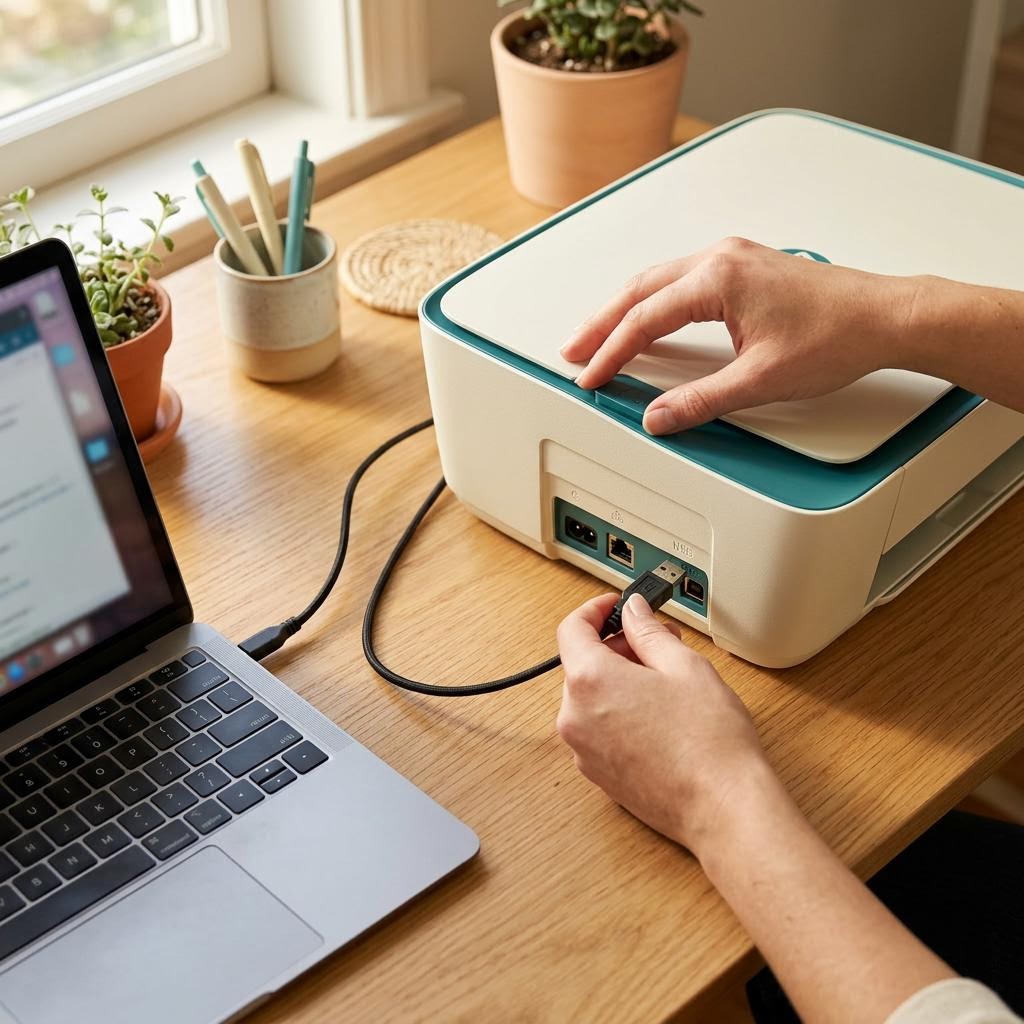
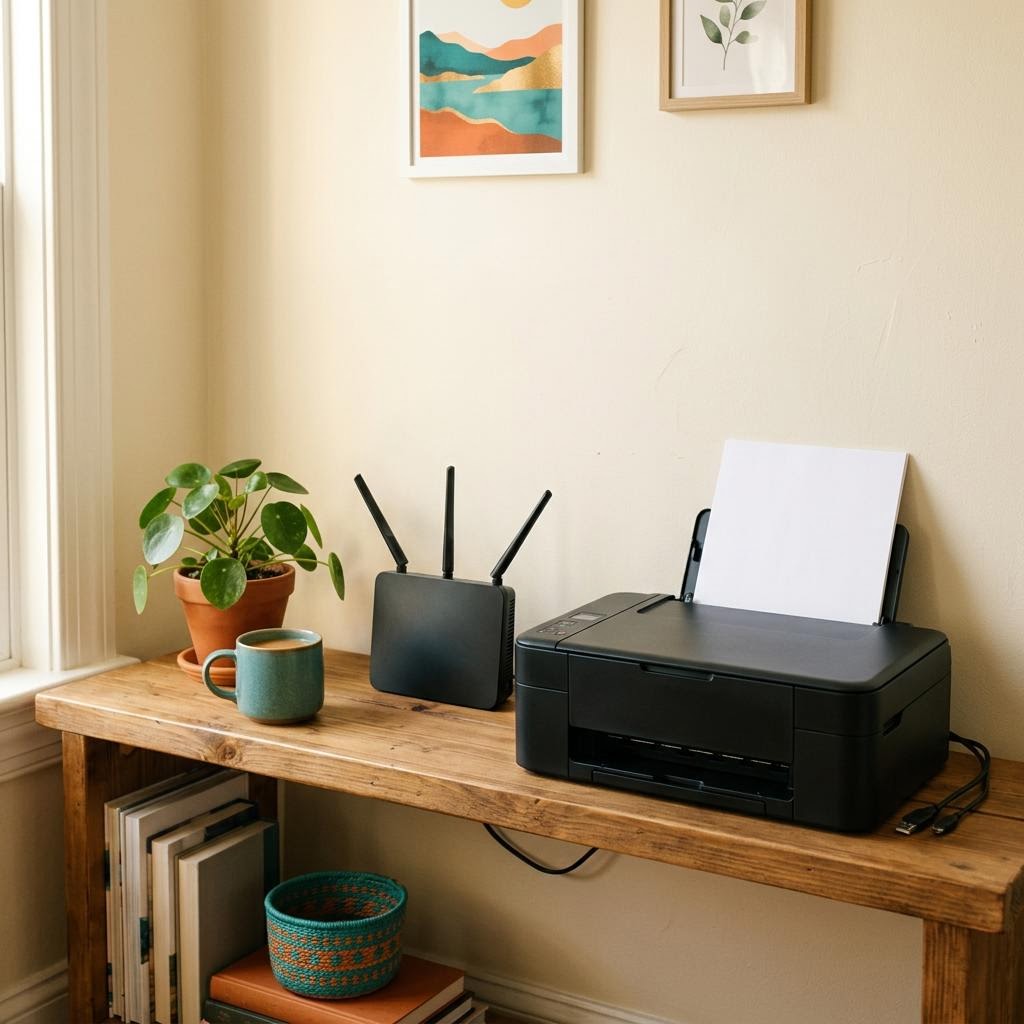
Connection
The physical or network link. If the printer cannot be reached, nothing else matters yet.
Translation
The driver turns your document into your printer's language. Wrong translator, wrong result.
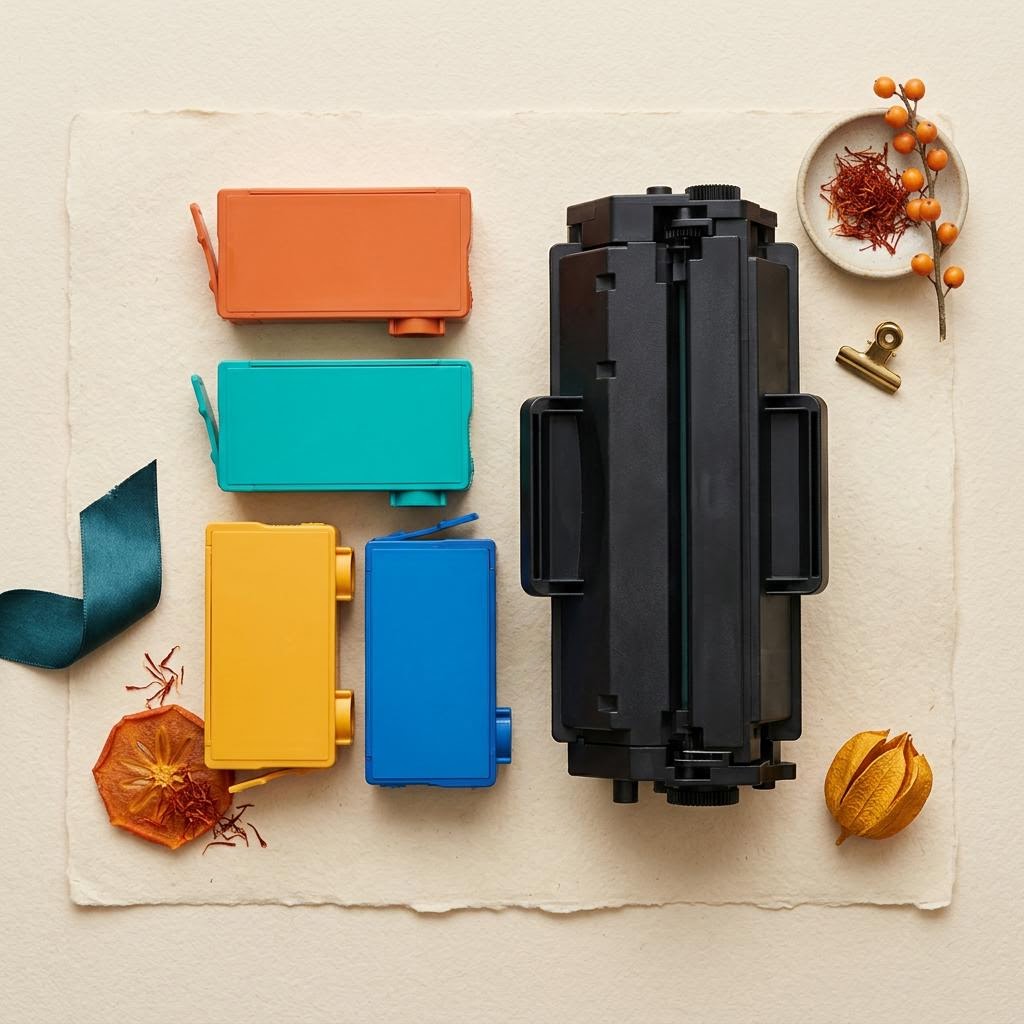
Readiness
Paper, supplies, doors and queue. The printer has to be able to act on what arrives.
The four messages people search for most.
Walkthroughs that remember where you left off.
Recently revised reading
Straight answers about this site.
No. It is an independent reading library. We do not represent, partner with or receive payment from any manufacturer, and brand names only appear when needed to identify something.
Never. There is no remote access, phone line or chat service here. Everything is written so you can understand the issue and act on it yourself, at your own pace.
No. We do not host software. When a driver is needed, we explain how to get it through your operating system or your manufacturer's official support website.
Because the same few ideas sit behind most printer problems. Once you understand how a document travels to paper, a new error message stops being mysterious.
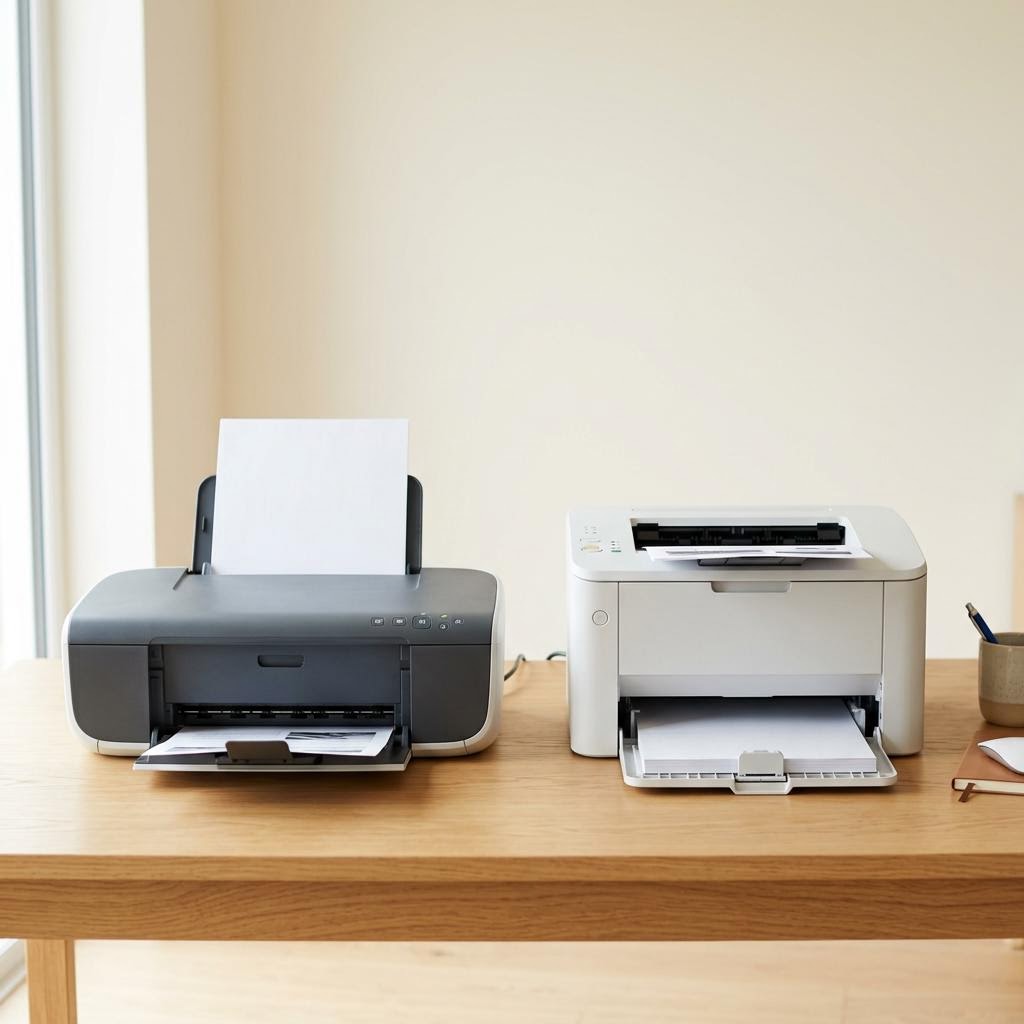
Very likely. Our guides cover principles shared by almost every home and small-office printer. For model-specific menus, your manufacturer's documentation is the authority.
Only in your own browser, and only if you accept the cookie notice. You can reset any walkthrough or clear your choice at any time from the footer.