Setup and connections
Understand physical setup, printer drivers, USB connections, and wireless networking before you start changing settings.
Explore setup guides →About Optavia
Optavia makes everyday printer technology easier to understand. Our independent learning resources help home and small-office users make sense of setup, connections, maintenance, and common printer messages.
Contact OptaviaWho we are
Optavia is the business behind this printer-learning website. Our business address is in Cape May Court House, New Jersey, United States.
We write for the person setting up a printer at home, sharing one in a small office, or trying to understand why a document has stopped in the queue. We explain the underlying concepts before describing practical next steps.
Our goal is straightforward: make printer information readable, useful, and easier to follow without unnecessary jargon or pressure to buy something.
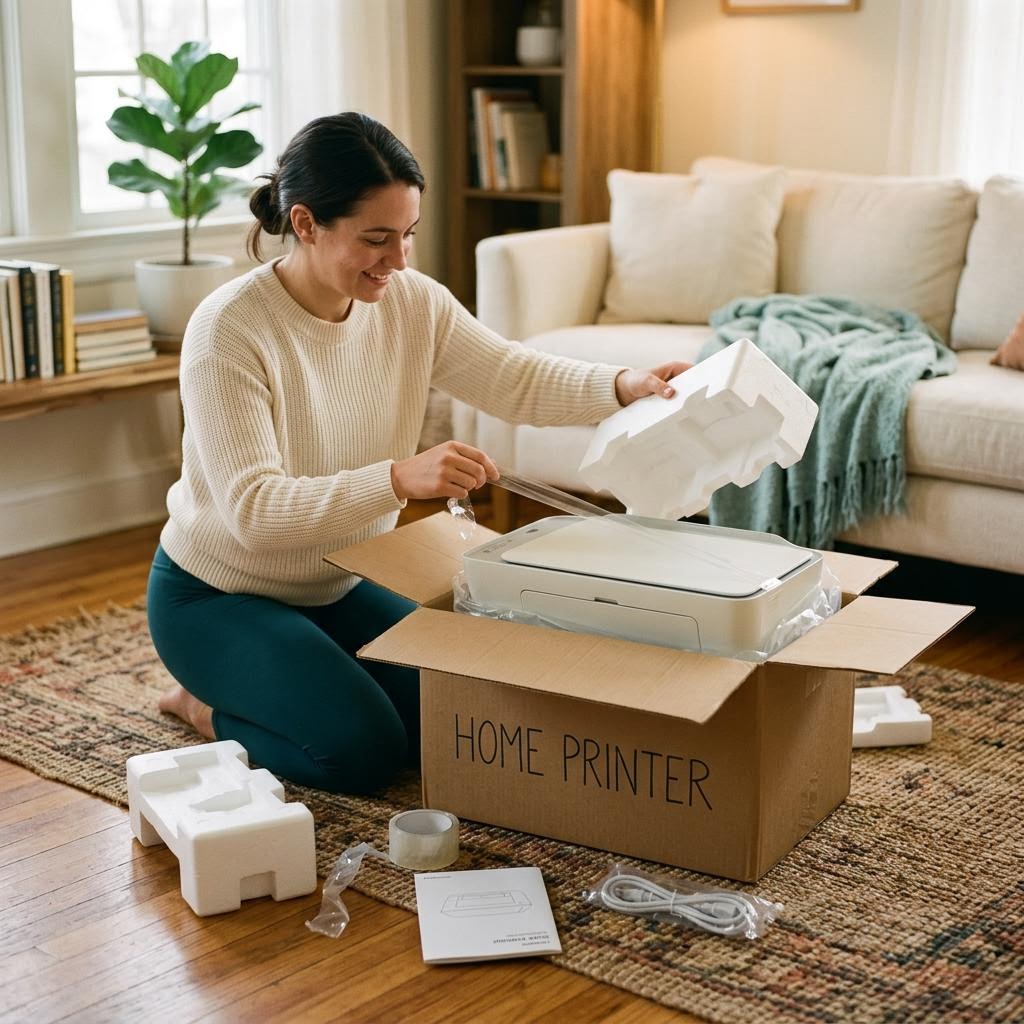
What you will find here
Understand physical setup, printer drivers, USB connections, and wireless networking before you start changing settings.
Explore setup guides →Learn what offline messages and stalled queues usually mean, with ordered checklists that explain why each step matters.
Understand offline messages →Read about ink, toner, paper handling, and maintenance, including when to consult your model’s own safety instructions.
Read about printer care →Our approach
Our website is an educational resource, not an official manufacturer support service. References to product names are for identification only and do not imply an affiliation or endorsement.
We do not host driver downloads, offer remote computer access, or provide paid printer repairs. Always use your printer manufacturer’s official resources for model-specific software, warranty questions, and safety guidance.
For general business inquiries, questions about this website, or an article correction, you can reach Optavia using the details below.
Read our educational disclaimer →We store your choice here and, if you accept, your walkthrough check-offs in this browser. Nothing else. Read the policy.