Everything between Print and paper.
Start here if you are not sure where to start. Find your symptom, understand the chain behind it, then follow a walkthrough.
Six symptoms, explained.
Document, driver, queue, printer.
Your application hands the document to the driver, which converts it for your exact printer. The result waits in the queue until the printer accepts it. Every symptom lives at one of these links.
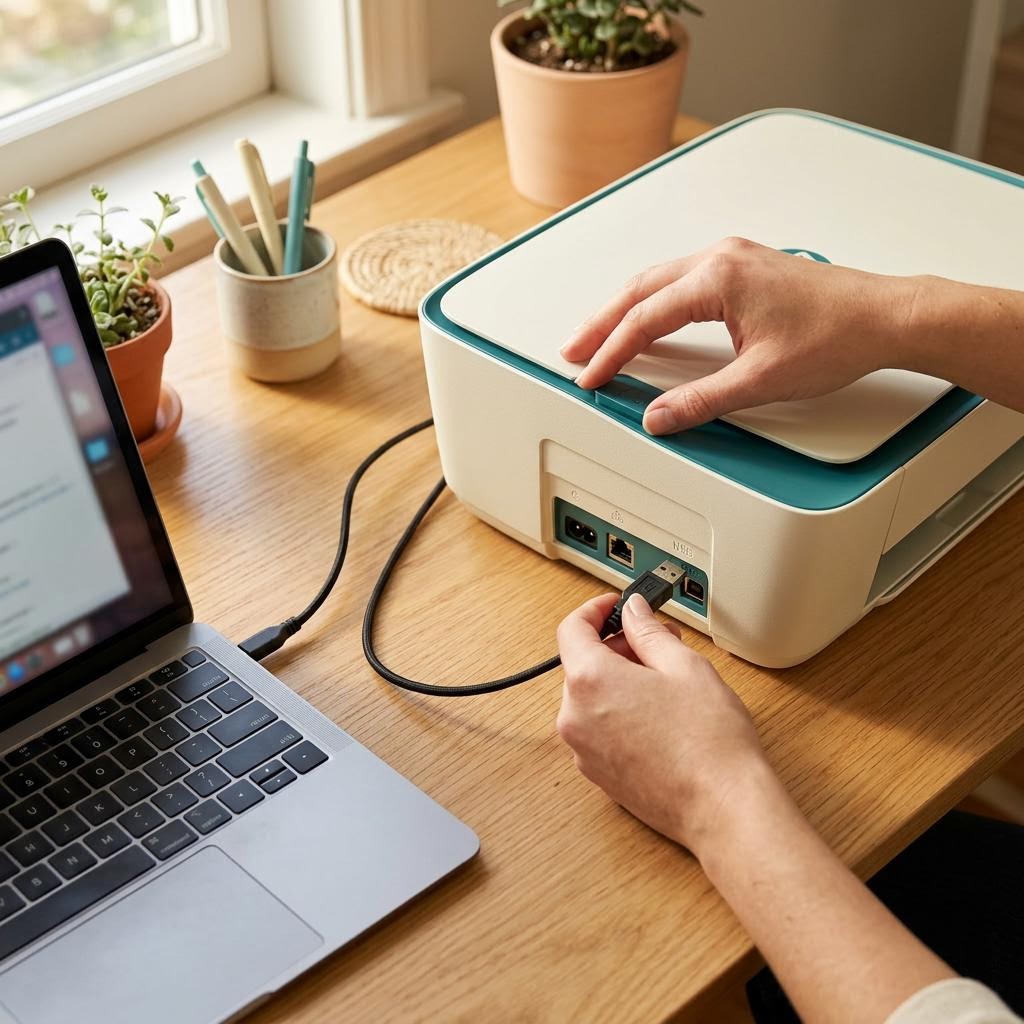
Wired: the cable is the whole link. Swap it before suspecting anything else.
Wireless: printer and computer must share the same non-isolated network.
Queue: one errored job can hold every job behind it.
Four places worth knowing.
Printer preferences
Paper size, quality, colour and duplex defaults live here. Wrong defaults cause many 'quality' complaints.
Ports and connection
Which route the computer uses to reach the printer. A stale port is a classic cause of offline status.
Maintenance tools
Nozzle checks, cleaning and alignment, usually on the printer's own menu or manufacturer utility.
Queue and service
Where pending jobs wait. Pausing, cancelling and restarting the service happen here.
Follow along, step by step.
Installing a printer driver, start to finish
Twelve deliberate steps that take you from an unrecognised printer to a confirmed test page, without third-party tools.

Bringing an offline printer back
Nine checks in the order that solves the most cases with the least disruption.
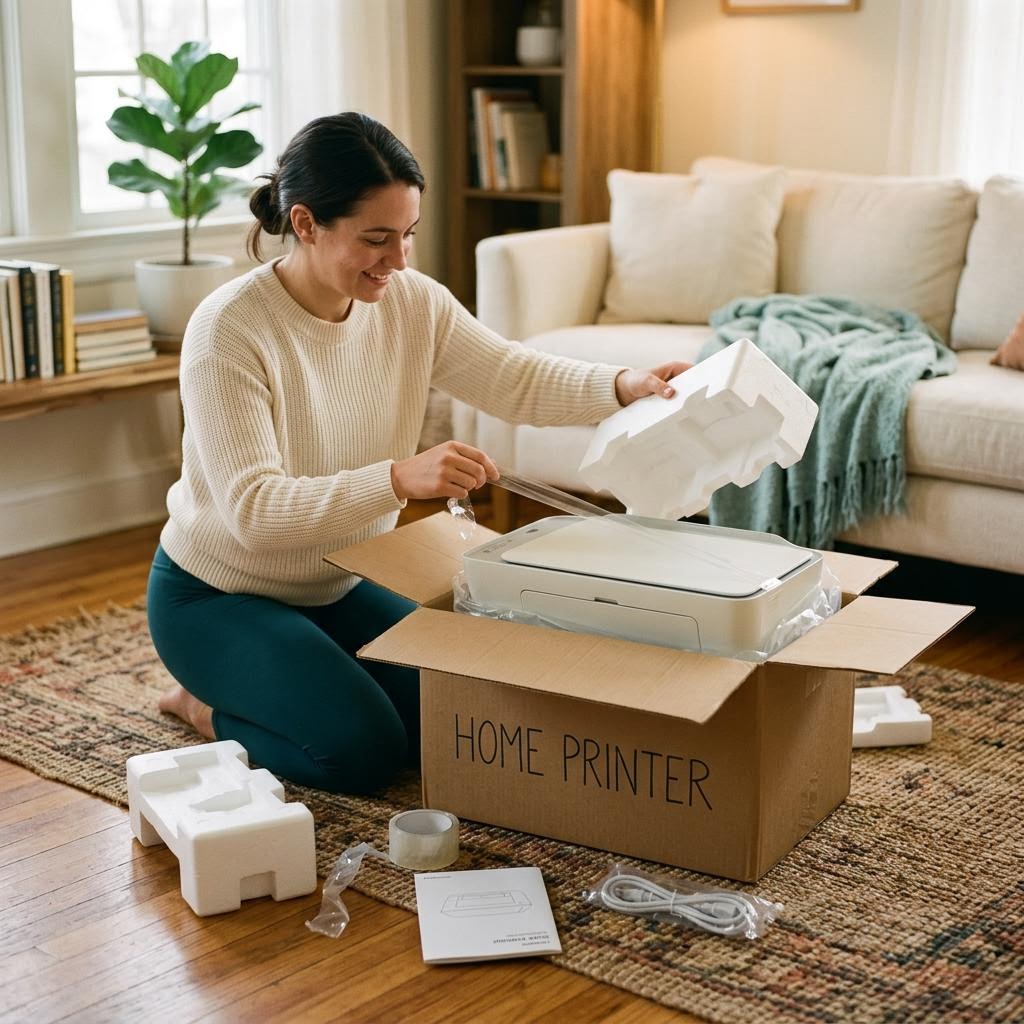
Unboxing and preparing a new printer
Six physical steps that prevent most first-day problems before any software is involved.
Tick through it.
Before printing anything important
When something stops working
Monthly light upkeep
Things people ask next.
The printer and network are probably fine. The laptop may be on a different or guest network, or its saved printer entry points to an old address. Remove and re-add it on the laptop.
On a typical home router, yes. Both bands share one local network. Trouble comes from guest networks, isolation settings or genuinely separate networks, not from the bands themselves.
Usually not. Cancelling jobs and restarting the print service resolves most stuck queues. Only manipulate system files if official guidance for your system specifically tells you to.
Often, for simple printing. Features like duplex, tray selection or colour management may need the manufacturer's driver for your exact model.
Many routers can reserve an address for a device. Your router's documentation explains how; the setting is often called DHCP reservation.