Drivers8 min readRevised for this edition
When Windows Says “Driver Is Unavailable”
This message means your computer lost its translator for the printer. Here is what that means and the safe ways to restore it.
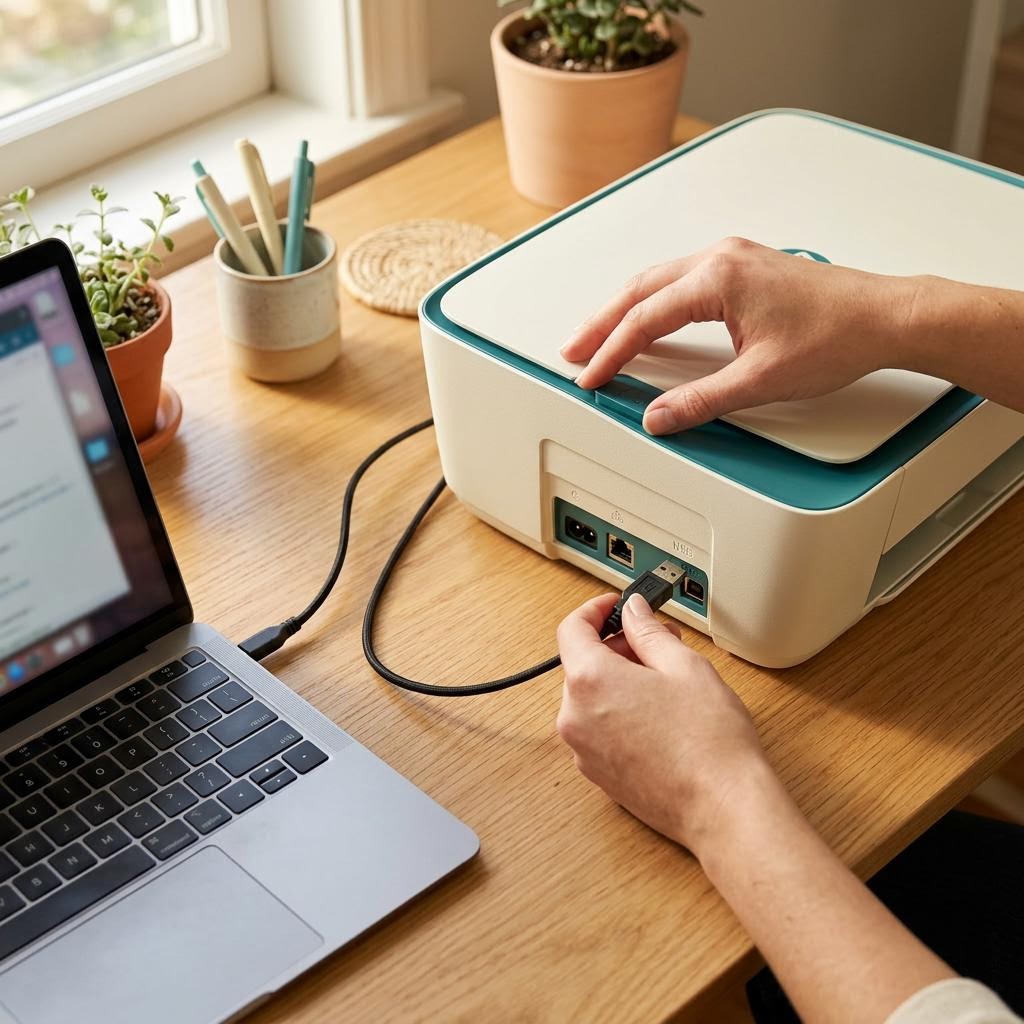
A driver is the piece of software that translates what you want to print into instructions your specific printer understands. When Windows reports the driver as unavailable, it means the printer entry still exists, but the translator behind it is missing, damaged or mismatched.
Common reasons
- A Windows update replaced or removed a driver.
- The driver was written for an earlier version of Windows.
- An installation was interrupted.
- The printer was added using a generic driver that does not match it well.
Safer ways to restore it
- Check Windows Update, including optional driver updates.
- Remove the printer from Settings, restart, then add it again so Windows can fetch a matching driver.
- Download a driver only from your printer manufacturer's official support website, choosing your exact model and Windows version.
Checking that it worked
Open Printers and scanners, select your printer, and print a test page. If the status reads ready and the page comes out, the translator is back in place.
If you need a fuller walkthrough, our twelve-step driver guide covers removal, clean reinstallation and verification with a checklist that remembers your progress.
Educational content only. Menus and steps vary by model and software version; your manufacturer's documentation takes priority. See our disclaimer.