What “Printer Offline” Actually Means
The word sounds final, but it is usually a computer reporting that a conversation stopped. Here is how to read the message calmly.

When your computer labels a printer as offline, it is not describing the printer's health. It is describing the last attempt your computer made to reach it. Somewhere along the path between the document and the paper, a reply did not come back in time, and the operating system marked the device as unreachable until it hears from it again.
That distinction matters, because it changes where you look. A printer can be powered on, loaded with paper and showing a cheerful ready light while your laptop still insists it is offline. The printer is fine; the conversation is not.
The three places a conversation can break
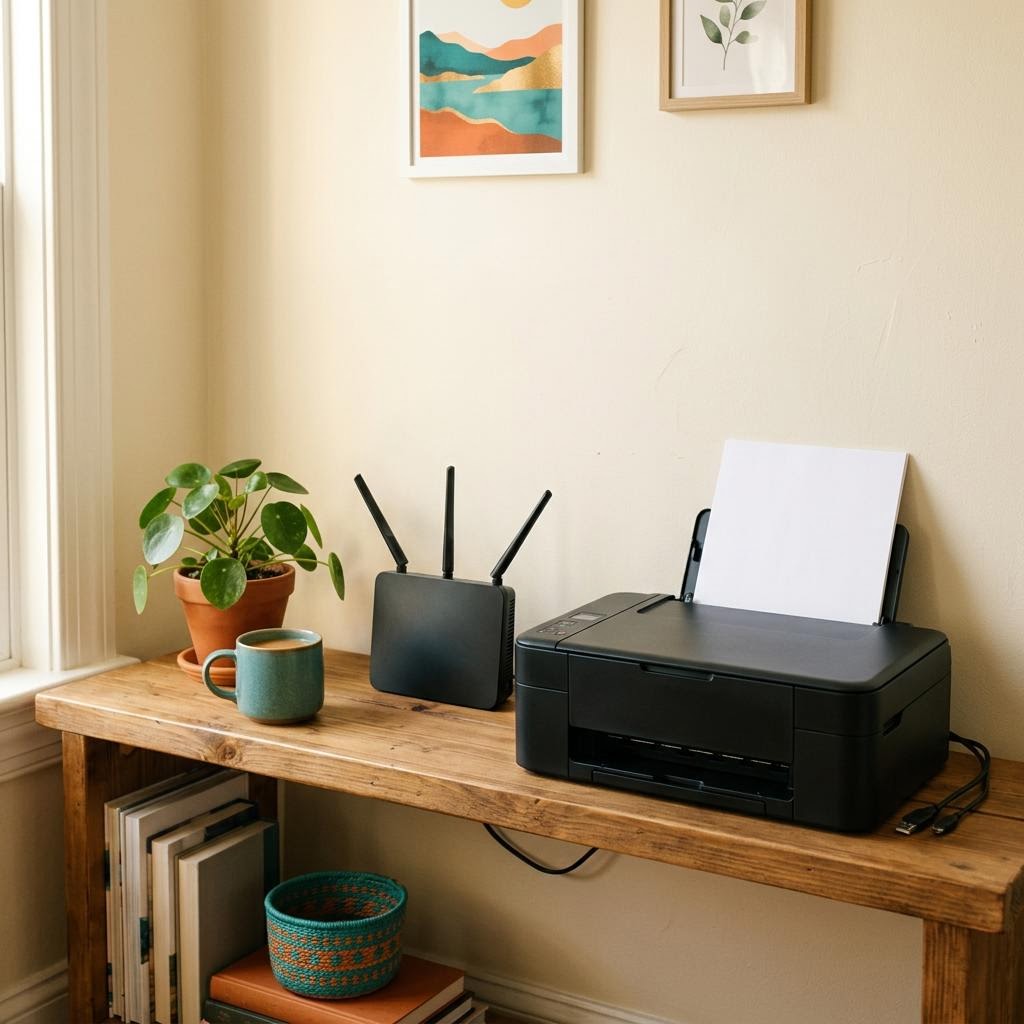
- The connection itself: a loose cable, a printer that joined a different network, or a router that handed the printer a new address after a restart.
- The computer's record of the printer: a saved entry that points to an old address or an outdated port, so the computer keeps knocking on the wrong door.
- The queue: a single stuck job can hold everything behind it, and some systems report that jam as an offline state.
Why it often appears after a restart or update
Routers usually lend addresses to devices for a limited time. After a power cut, the printer may come back with a different address than the one your computer remembered. Operating system updates can also reset printer entries or replace drivers. Neither event damages the printer, but both can leave your computer with outdated directions.
A calm order of checks
- Look at the printer's own display or lights first. If it reports an error such as an open cover or empty tray, that is the real issue.
- Confirm the printer and the computer are on the same home network. Most printers can print a network configuration page from their own menu.
- Open the print queue and check for a paused queue or a job marked as error.
- Check whether the 'use printer offline' option has been switched on by accident.
- Restart in a gentle order: printer, then router if needed, then computer.
If none of this restores contact, removing and re-adding the printer often helps, because it forces your computer to discover the device fresh instead of relying on a stale record. Use your manufacturer's own instructions for anything model-specific, such as resetting network settings on the printer.