Topic · Wi-Fi printing
Wi-Fi printing
Wireless printing comes down to two things: your computer finding the printer, and data reaching it. When either fails, the cause is almost always the network the printer joined, not the printer itself.
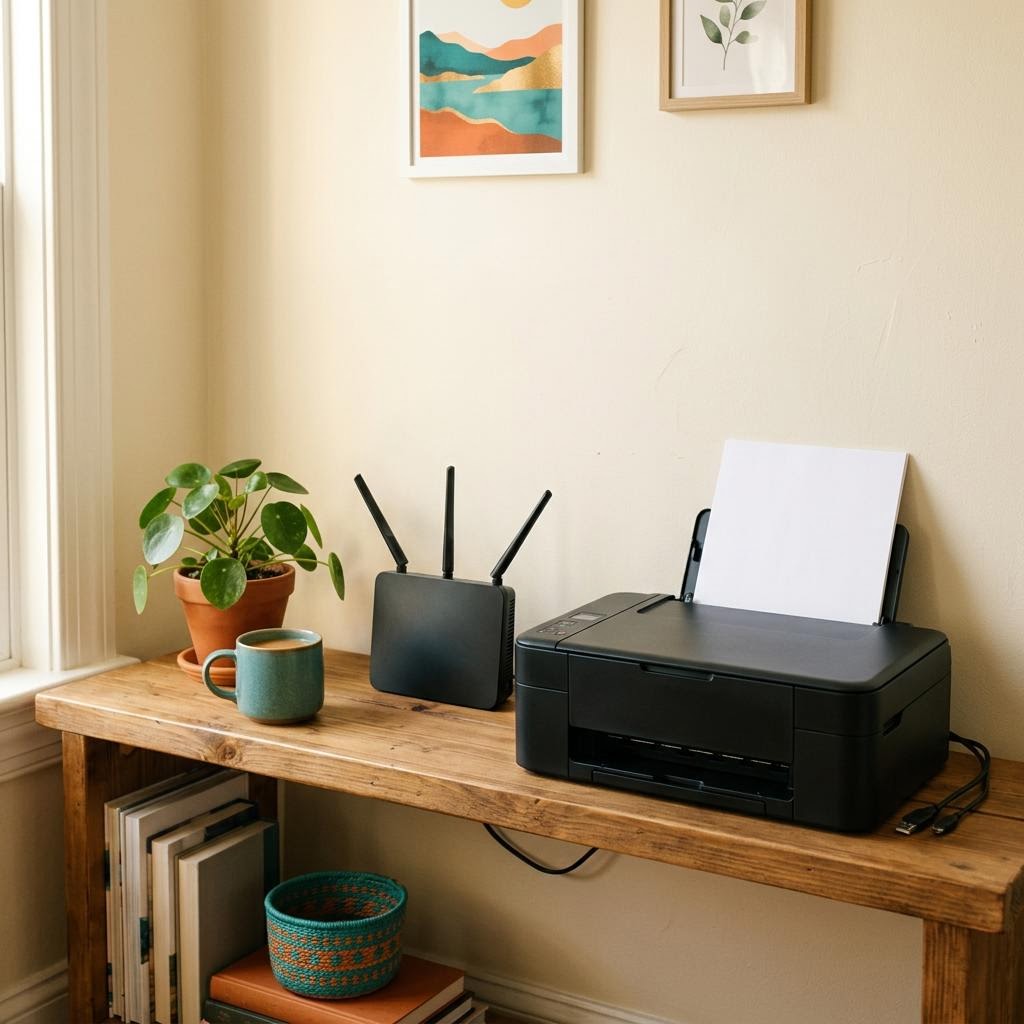
The essentials
- Printer and computer must share the same local network, not a guest network.
- 2.4 GHz and 5 GHz on one home router normally talk to each other freely.
- Client or AP isolation blocks devices from seeing each other.
- Use WPS only if both router and printer support it.
- A network configuration page shows exactly where the printer landed.
Article · 8 min
Getting a Printer onto Wi-Fi Without Guesswork
Wireless printing works best when you understand what the printer needs from your network, and what it does not.
Related walkthrough · 9 steps
Bringing an offline printer back
Nine checks in the order that solves the most cases with the least disruption.