Clearing a Paper Jam Without Tearing Anything
Patience is the whole technique. Here is how to remove stuck paper safely and keep it from happening again.
A jam happens when a sheet stops somewhere along its path through the printer. The instinct is to pull hard; the better approach is to slow down, because a torn scrap left inside causes the next jam.
Before you reach inside
- Turn the printer off and unplug it, unless your manual specifically says to keep it on for jam clearing.
- On laser printers, wait for the fuser area to cool. It can be hot enough to burn and is usually marked with a warning label.
- Open only the doors and trays your manual identifies as access points.
Removing the sheet
Hold the paper with both hands and pull slowly in the direction it normally travels. Steady, even pressure prevents tearing. If it resists, try the next access door rather than forcing it.
If the sheet tears, find every fragment. A flashlight helps. Do not use sharp tools inside the printer.
When the printer still reports a jam
Sensors can be triggered by a tiny scrap or a sheet in a tray you did not check. Reseat every tray, close every door firmly, then power the printer back on.
Preventing the next one
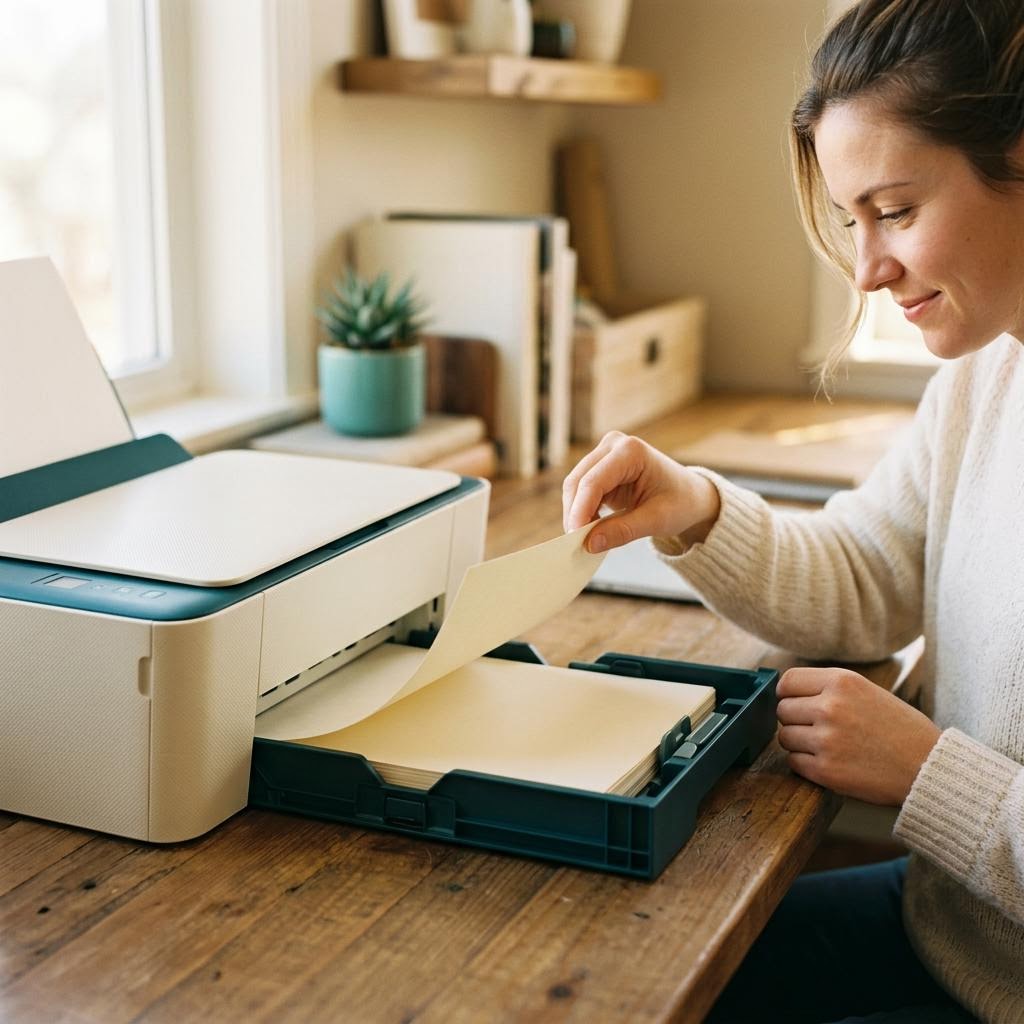
- Fan the stack before loading so sheets do not stick together.
- Do not overfill the tray past its marked line.
- Slide the paper guides so they touch the stack without bending it.
- Avoid curled, damp or creased paper.